
OpenTechnologyApp is a modern task manager built for teams who need real power without enterprise complexity. Take client work in through a branded portal, answer it with live dashboards, and run everything — customers, tasks, and items — under one roof.
→ Visit the OpenTechnologyApp landing page
Project templates
Spin up a fully-configured project in one click — queues, dashboards, automations, and example items all included. Three standouts:
- IT Device Audit — Fleet health monitoring, audit findings, and scheduled daily/weekly audit work. Three queues, two dashboards, and five triage playbooks, pre-loaded with example data — no live device-manager connector included out of the box.
- Access Automation — Google Lifecycle — Google Workspace joiner/mover/leaver work as tracked, checklist-driven items. Marking a case ready auto-creates the linked Google task and IT ticket; the actual account changes stay a manual playbook until you connect your own tooling.
- Project Management — Request intake, sprint planning, epics, stories, and milestone tracking combined into one agile delivery space.
Each template is a starting point, not a cage — rename fields, add queues, or rewire automations once it's created.
Features
Client portal
An external-facing portal lets clients submit, track, and view their own items without shared logins.
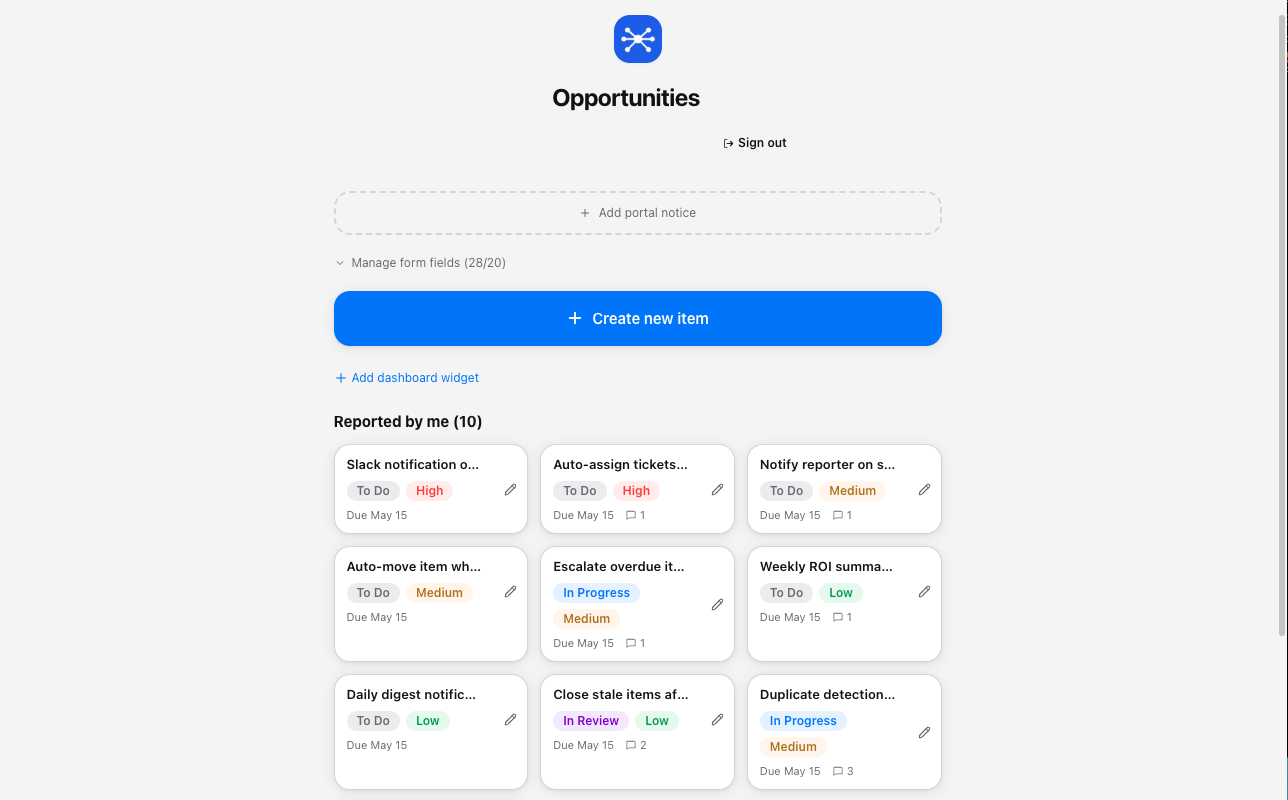
- Organization branding with a queue-specific portal name and notice
- Clients see only their own submitted items
- No-login submit; an optional portal account adds tracking
Live dashboards
Widget-based dashboards give teams a real-time view of workload, priorities, and progress.
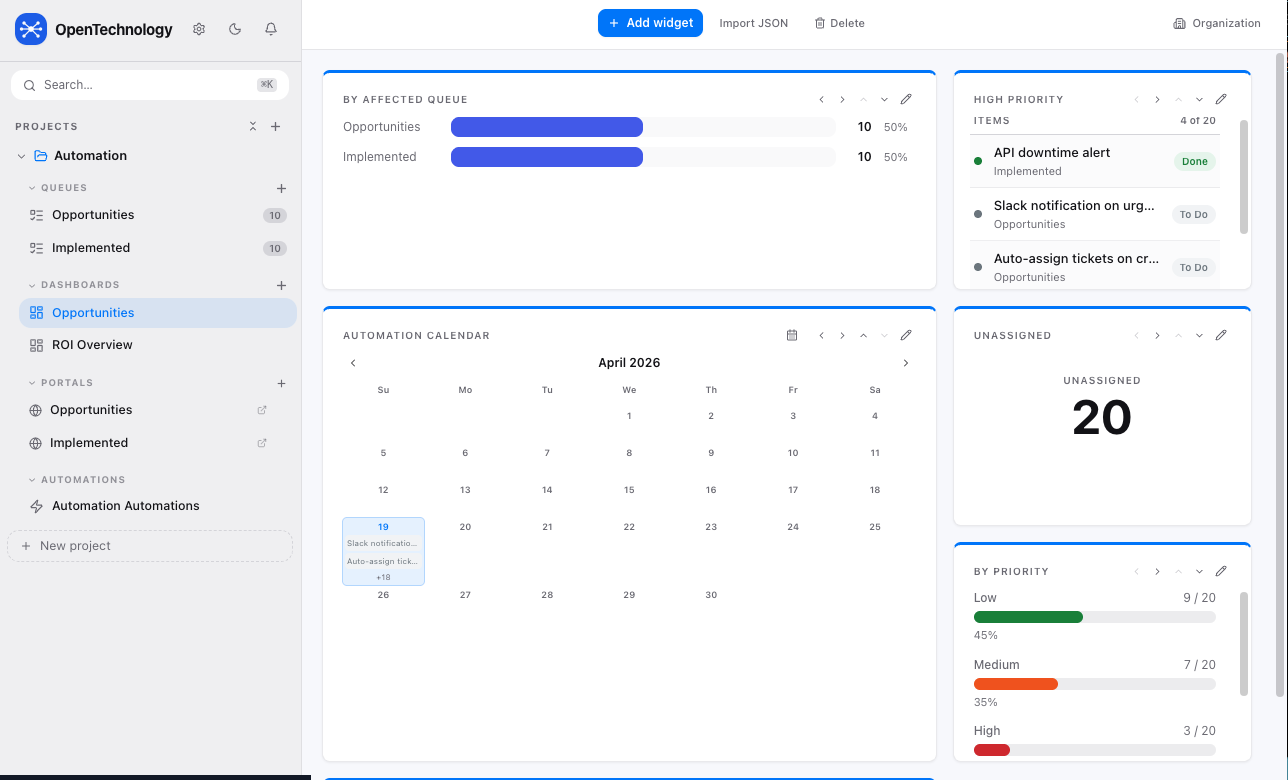
- Calendar view with inline item previews
- Priority breakdown charts (Low / Medium / High)
- Queue distribution widgets with percentage splits
Task queues
Structured queues organize every item with status, priority, type, and assignee — all in one clean view.
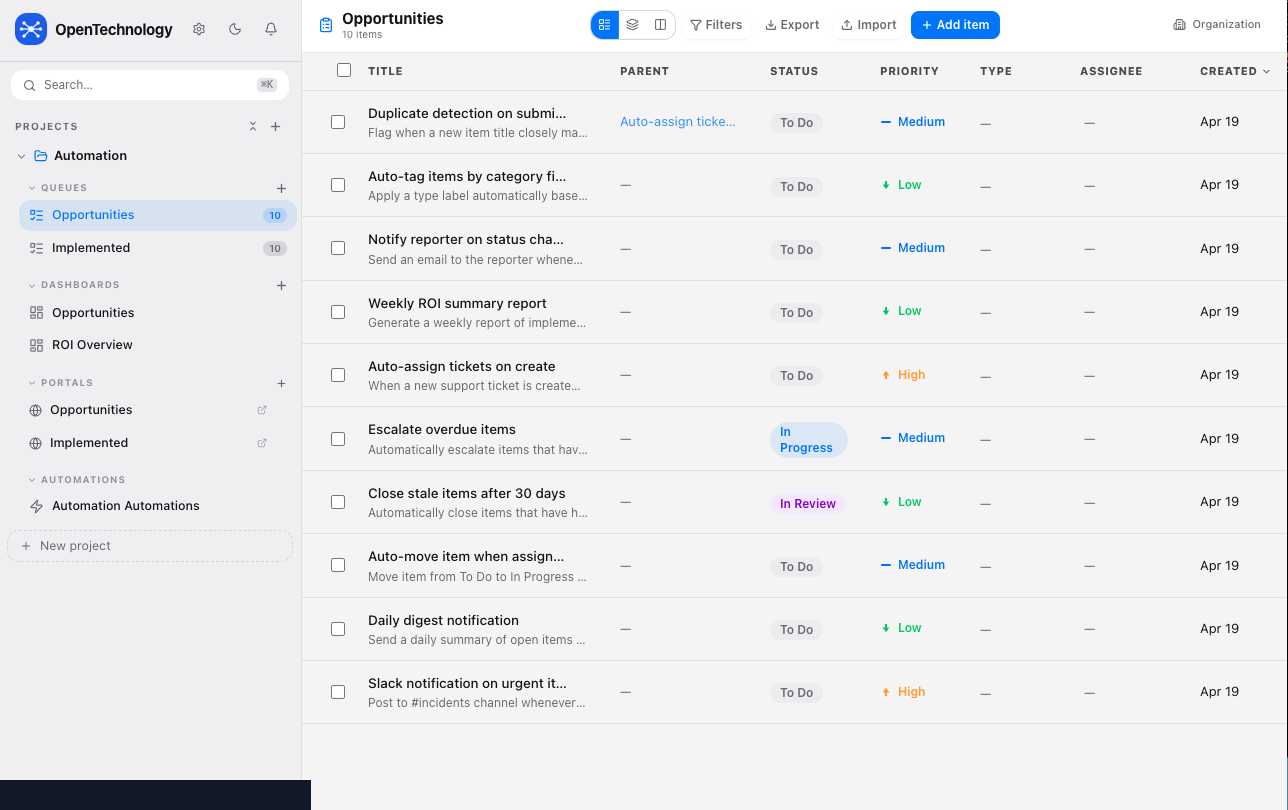
- Filter, sort, and export items at any time
- Parent/child item relationships for complex work
- Customizable columns per queue
Workflow automation
Trigger-based automations eliminate repetitive manual steps across every queue.
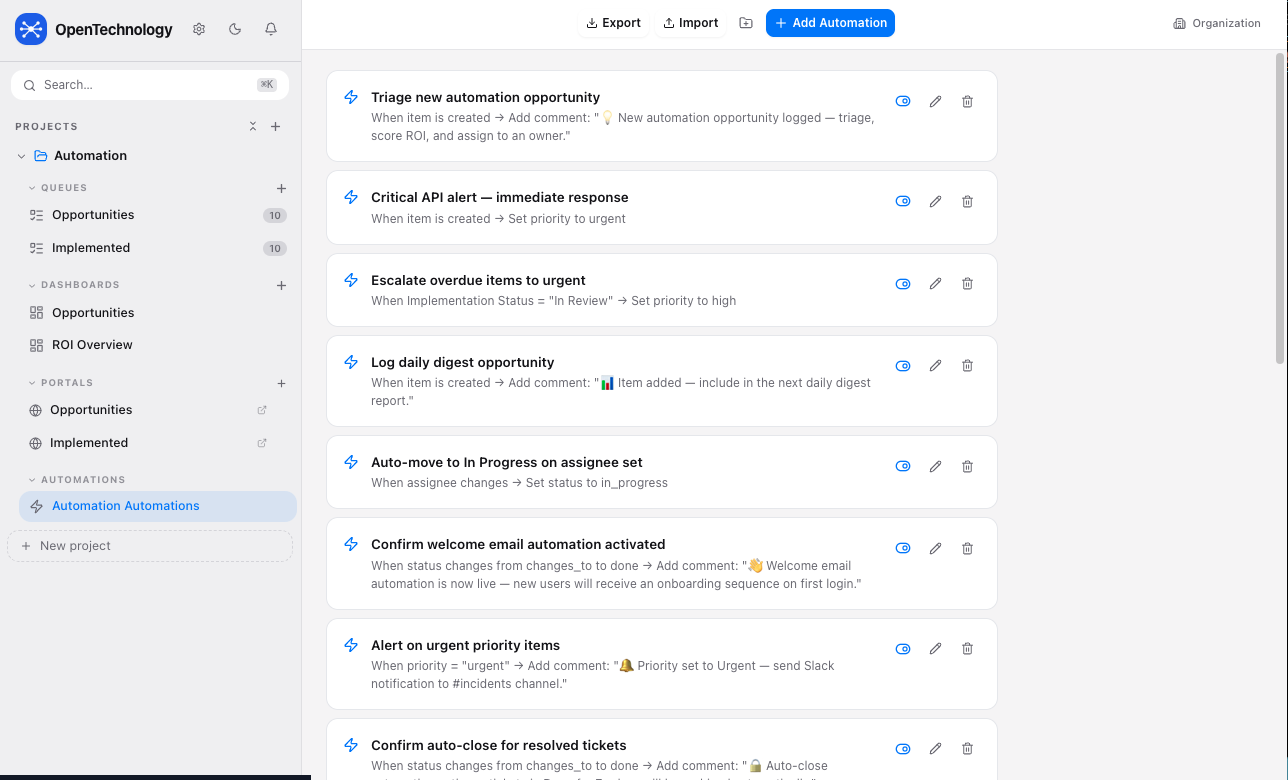
- Auto-assign, escalate, and move items on condition
- Status-change triggers with comment injection
- Email and webhook notification actions built in
By project
Projects group related queues, dashboards, portals, and automations into one organized space.
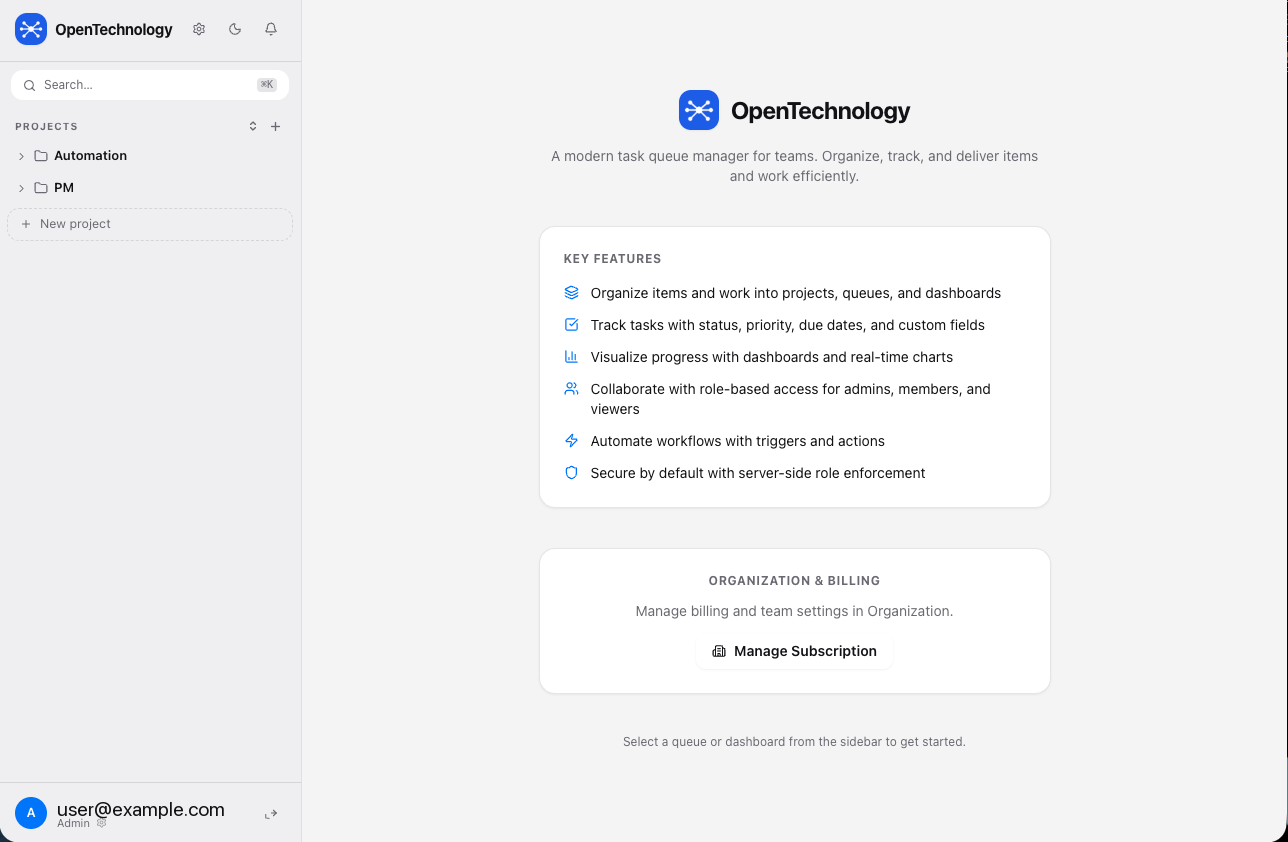
- Role-based access: Admin, Member, Viewer
- Multiple projects side by side in the sidebar
- Each project is fully self-contained
Access Control
Role-based access enforced server-side. A demoted user's next request is rejected immediately — no restart, no delay.
| Role | Permissions |
|---|---|
| Admin | Manage users, all settings, automations, billing, and full data access. Read/write items, comments, and time entries. |
| Member | Read/write access to items, comments, and time entries, subject to owner-configurable create, edit, delete, export, and project-creation permissions. |
| Viewer | Read-only access to granted work. No item, comment, or time mutations — enforced server-side. |
Showcase projects
Admins can mark any project as a showcase project. All authenticated users — including free-tier accounts — can browse showcase projects in read-only mode. This lets new users explore real project structures, queues, dashboards, and automations before building their own.
Subscription tiers
Core features are on every hosted plan; tiers control scale (projects, users, items, automations) and when API keys and inbound webhooks unlock. Self-hosting removes the limits entirely.
| Free | Starter ($20/mo) | Pro ($120/mo) | Self-Host ($299 once) | |
|---|---|---|---|---|
| Projects | 1 | 5 | 25 | Unlimited |
| Users | 1 | 10 | 50 | Unlimited |
| Items | 50 | 500 | 10,000 | Unlimited |
| Automations | 2 | 5/project | 25/project | Unlimited |
| Dashboards | 1 | 3/project | 10/project | Unlimited |
| API keys | — | 3 | 15 | Unlimited |
| File storage | 100 MB | 1 GB | 10 GB | Unlimited |
Sign up free at opentechnologyapp.com, then upgrade from inside the app. Cancel anytime via Stripe.